Custom OEM Metal Pens Manufacturer & Global Supplier
Updated for 2026 · artwork rules and UV printing added
The logo on a custom pen is the most visible brand element in the entire programme, and it is also the part most likely to go wrong. Not because the printing is poor, but because nobody checked whether the artwork suited the method before it went to production.
A logo that looks sharp on a screen can reproduce as mush on a curved metal barrel. A five-colour mark is routine on aluminium and close to impossible on brushed stainless steel. And a file that works perfectly for a website — a PNG, typically — is the wrong file for a laser.
This guide covers the four branding methods used on metal pens, what each costs and how long each lasts, and the artwork rules that determine whether your logo comes out clean. If you read one section, read the artwork section: it is where most delays and disappointments originate.
| Method | How it works | Colour | Durability | Best on |
|---|---|---|---|---|
| Laser engraving | A focused beam vaporises the surface layer to expose the metal beneath | Single tone only — determined by the base metal | Excellent — cannot peel, scratch off or fade | Brass, aluminium, stainless; matte and anodised finishes |
| Screen printing | Ink is pushed through a mesh stencil onto the barrel | Multi-colour, Pantone-matchable, opaque | Good — may wear at high-friction points over years | Aluminium; flat or gently curved barrel areas |
| Pad printing | A silicone pad transfers ink from an etched plate onto the surface | Multi-colour; good for small and irregular areas | Good | Curved surfaces, clips, caps and awkward geometries |
| UV printing | UV-cured ink is jetted directly onto the surface and cured instantly | Full colour, gradients and fine detail | Good — improved substantially with modern inks, can be clear-coated | Aluminium and coated barrels; short runs and complex artwork |
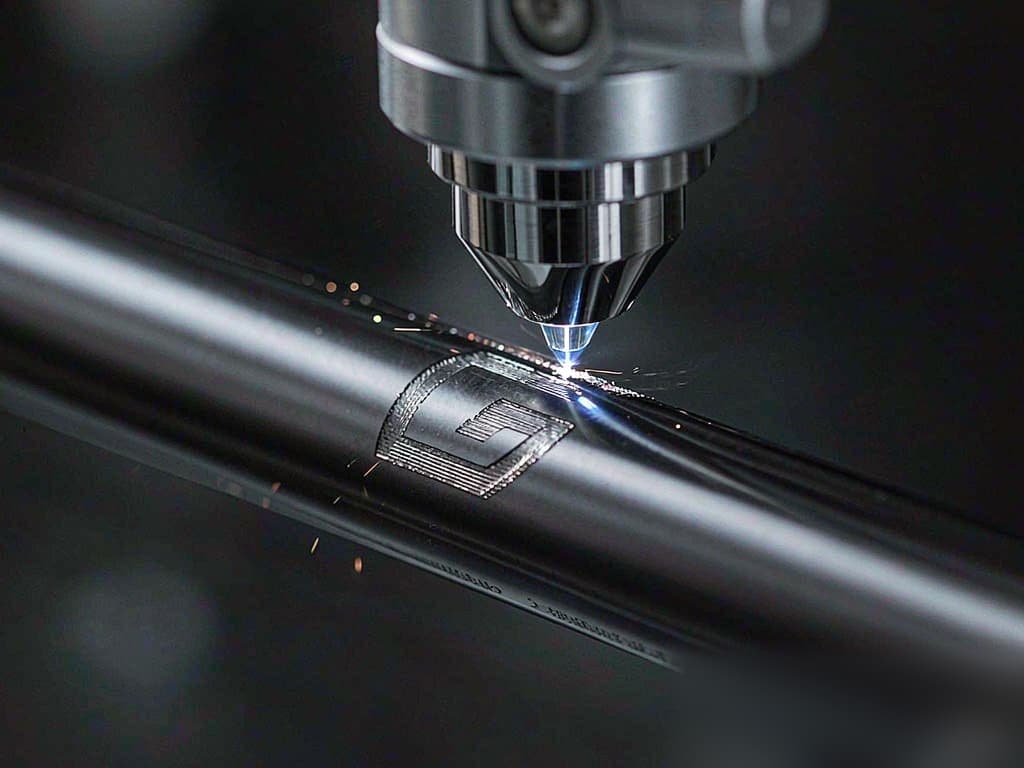
Laser engraving removes material rather than adding it. The beam vaporises a thin layer of the barrel surface — the plating, the anodised layer, the paint — and exposes the metal underneath. The mark is therefore not a coating sitting on top of the pen; it is the pen itself.
That is why it cannot be scratched off, peeled or faded by UV exposure, and why it is the default for executive gifting. On brass or copper, engraving produces a warm metallic contrast. On matte black or gunmetal, it yields a subtle silver-grey mark that reads as refined rather than loud.
Two limitations are worth planning around. First, engraving is inherently single-tone — the colour is whatever the underlying metal is, so a two-colour logo must be simplified. Second, contrast drops on highly polished or mirror finishes, where the reflection can make a shallow mark hard to read. If you want a mirror barrel, ask for a deeper engraving pass and confirm it on a sample.
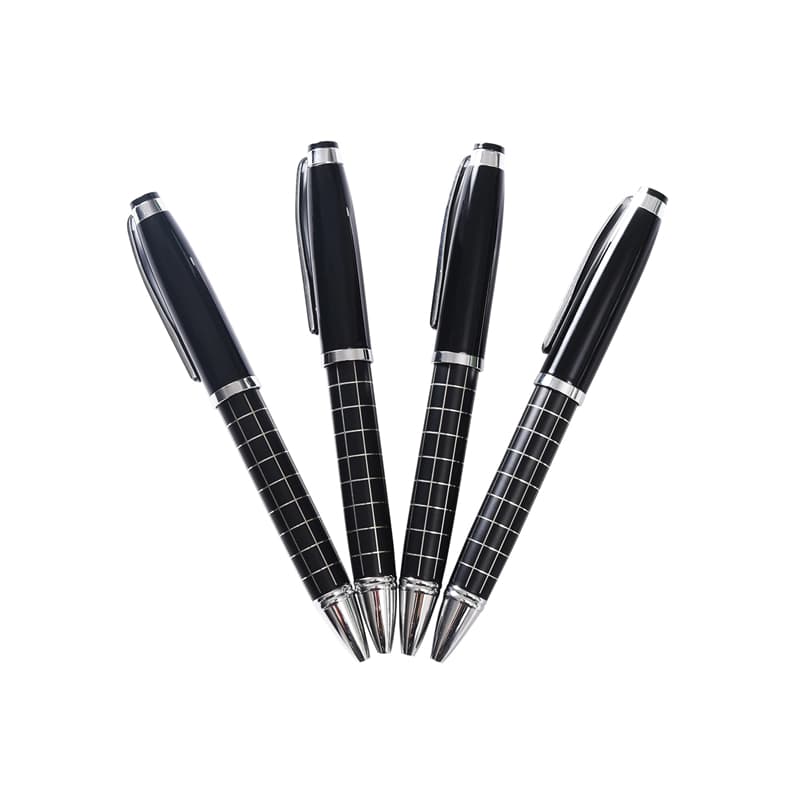
Contrast also depends on the barrel material. See our brass, aluminium and stainless steel comparison for which materials take engraving best, or browse the full metal pen range for engraving-friendly profiles.
When brand guidelines specify exact Pantone values, printing is the answer. Screen printing lays down an opaque ink layer through a mesh stencil — one screen per colour — which gives solid, saturated coverage and excellent Pantone fidelity. Pad printing uses a silicone pad to transfer ink from an etched plate, which reaches curved and irregular surfaces that a flat screen cannot.
The trade-off is longevity. Modern inks are far more durable than they were a decade ago, but an ink layer is still a layer. It can abrade at high-contact points over years of daily use. Two practical mitigations: position the logo on the upper barrel away from the grip and clip contact zone, and specify a wear-resistant clear coat over the print.
UV printing has changed what is possible on small runs. Because the artwork is jetted directly onto the barrel and cured instantly, there are no screens or plates to make — which means no setup cost per colour and no economic penalty for complexity. Gradients, fine detail and multi-colour artwork that would be impractical with screen printing are routine with UV.
It is the right choice for short runs, complex artwork, personalisation (individual names or serials) and any programme where the artwork is likely to change between orders. On very long runs, screen printing usually wins on unit cost once setup is amortised.
This section prevents most production problems. Send the wrong file and you will lose a week to redrawing, or approve a proof that reproduces badly.
File formats — in order of preference
Size and detail limits — typical starting points
These are typical starting points, not guarantees. The actual limits depend on your barrel diameter, curvature, surface finish and the specific artwork. The only reliable check is a physical sample on your chosen model — request one before approving a production run of any size.
Colour specification
Do not take durability on faith — two tests take two minutes and tell you most of what you need to know before committing to volume.
Branding cost is driven by three multipliers, and understanding them is the fastest way to reduce a quote without weakening the pen:
Branding is one of the seven factors that set your unit price — see the full breakdown in what really drives your unit cost, including five ways to reduce unit cost without weakening the pen.
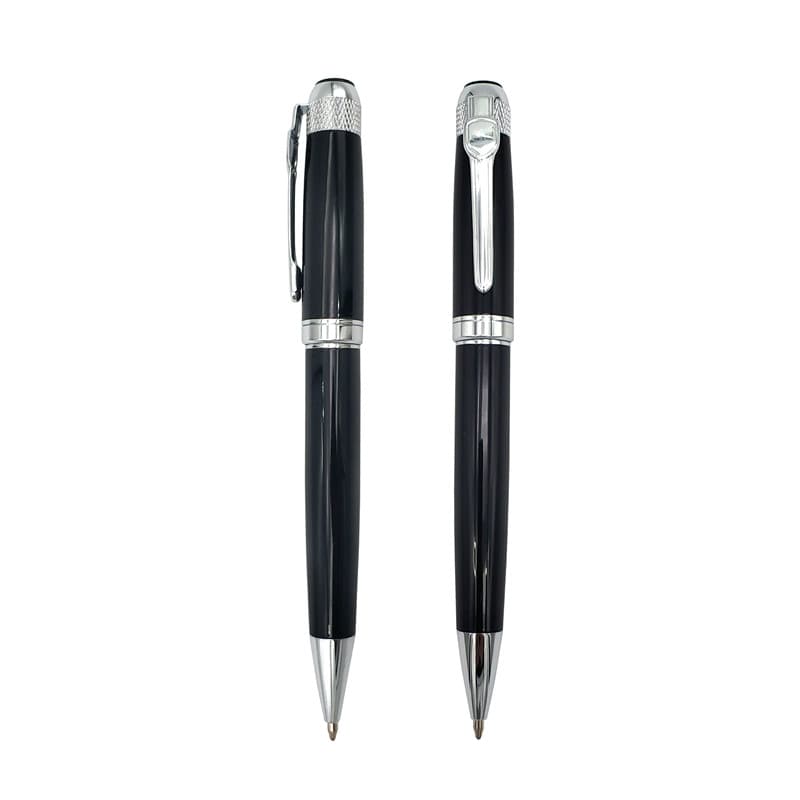
The clip is the most-handled part of a pen and the most underused branding surface. A laser-engraved clip adds a discreet mark visible every time the pen leaves a pocket. For a bolder statement, custom-shaped clips can be cast or bent to echo a brand icon — a house profile for real estate, a droplet for water technology.
Other options worth considering:
| Your priority | Recommended method | Why |
|---|---|---|
| Maximum durability | Laser engraving | Cannot wear off; survives daily use, cleaning and handling. |
| Exact Pantone colours | Screen or UV printing | Reproduces multi-colour and gradient artwork faithfully. |
| Premium executive feel | Laser engraving on brass | Weight plus metallic contrast reads as understated luxury. |
| High volume, low unit cost | Pad or screen print on aluminium | Fast setup amortisation and vibrant colour at scale. |
| Complex or gradient artwork | UV printing | No per-colour setup; handles fine detail and short runs. |
| Logo on a curved clip or cap | Pad printing | Reaches geometries a flat screen cannot. |
| Subtle, refined branding | Engraved clip or ring band | Visible only on close inspection; signals premium positioning. |
Many programmes combine methods for maximum impact: a laser-engraved barrel logo for permanence, plus a printed or hot-stamped gift box for colour. The right mix depends on your artwork, your audience and your unit budget.
A vector file — AI, EPS or PDF with editable paths, with all text converted to outlines. This is required because the laser follows vector paths. A PNG or JPEG can be used for UV printing at 300 dpi or higher, but not for engraving.
Not directly. Engraving is single-tone — it exposes the base metal, so the colour is whatever the barrel is made of. A two-colour logo must be simplified to one tone, or produced with printing instead. Engraving with a colour fill is possible as a separate process.
Laser engraving. Because the mark is cut into the metal rather than applied on top of it, there is no layer to abrade, peel or fade. Printed marks can last for years but are still a surface layer, and will eventually show wear at contact points.
Yes — a screen is required per colour, so setup scales with the number of colours in your artwork. Laser engraving and UV printing have no per-colour setup, which is why they are usually more economical on short runs.
Yes, though pad printing is normally used there because of the curvature and small area. Engraving the clip is also popular for a subtle mark. Confirm clip branding at quotation stage, as it usually counts as an additional position.
Email your logo file, target quantity and preferred barrel, and we will confirm which method reproduces it cleanly, flag any artwork issues before they cost you time, and quote both engraving and printing so you can compare. Specification-based quotes returned within one business day.
